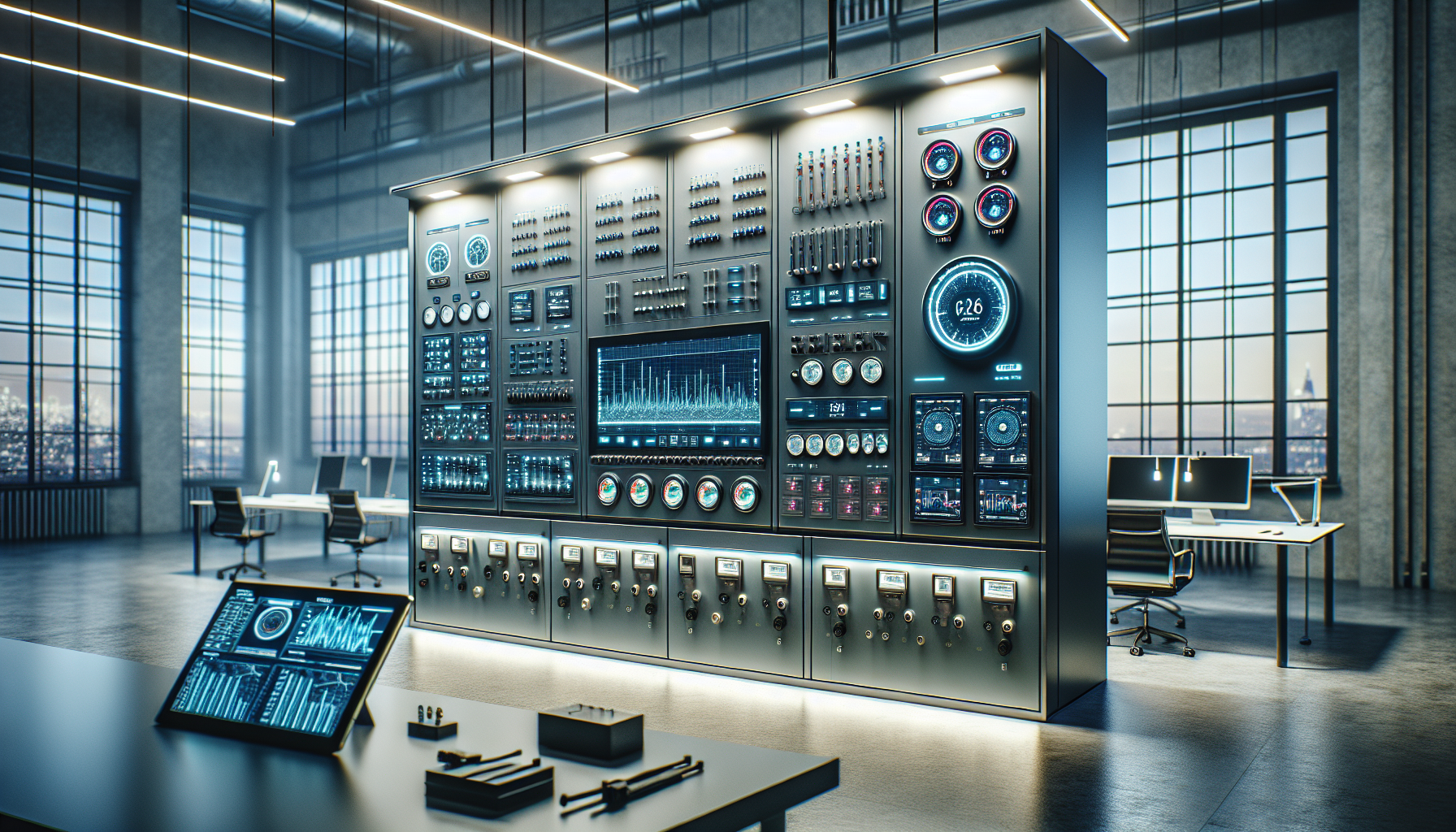
What if you could control your building’s heating, cooling, lighting, and security all with one system? That sounds pretty cool, right? A Building Automation System (BAS) does just that! It helps keep everything in your building running smoothly and efficiently. This article will simplify how you can install a Building Automation System for effective results.
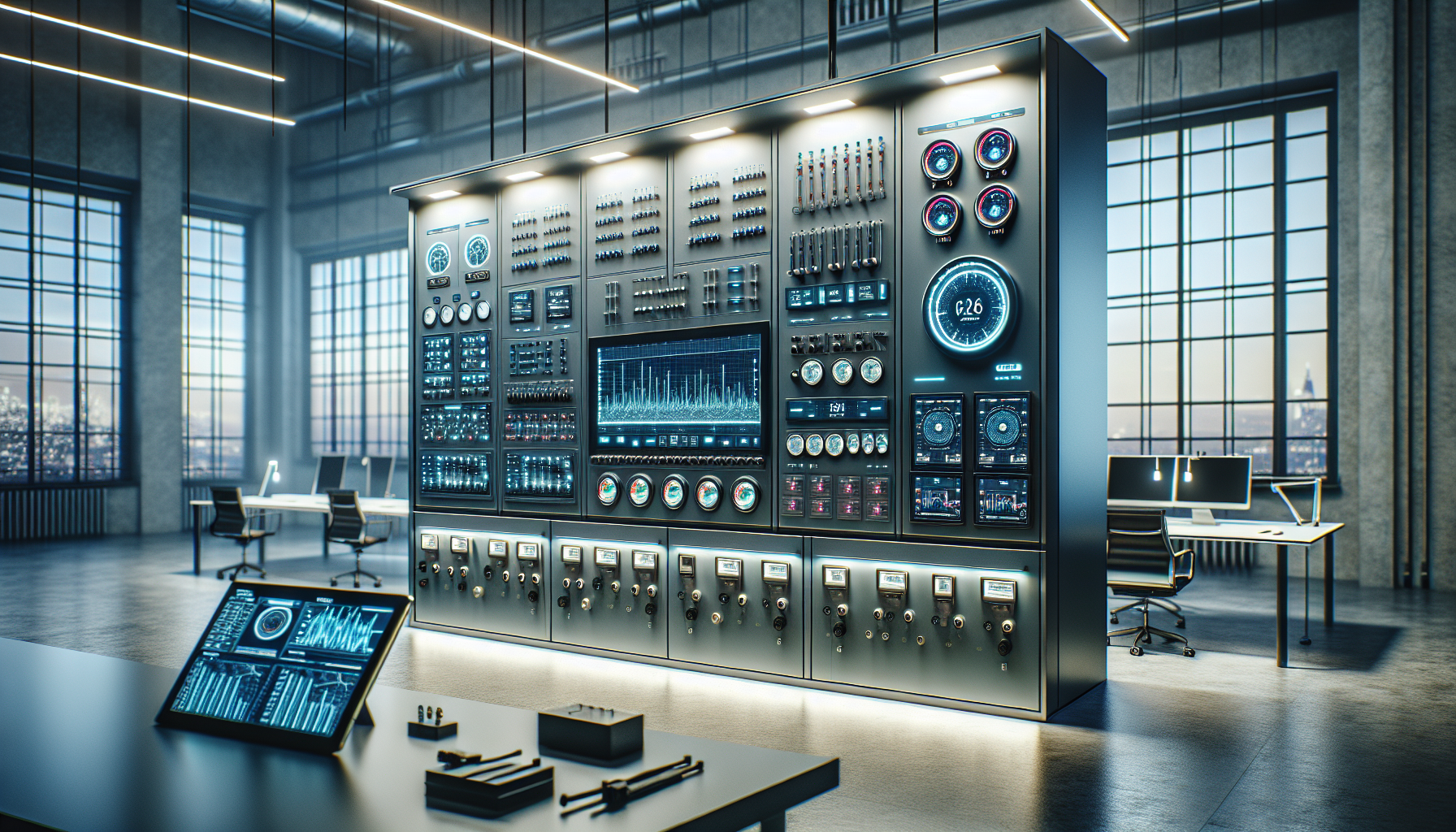

What is a Building Automation System?
A Building Automation System is like the brain of your building. It connects different systems, like heating, ventilation, air conditioning (HVAC), and lighting, to work together. Think of it as a control center that makes sure everything is comfortable and safe.
Why Use a Building Automation System?
Having a BAS can save you time and money. It helps manage energy usage, making your building more efficient. You can control everything with a computer or phone from anywhere! Plus, it can alert you if something goes wrong, like if the temperature gets too high or if there’s a water leak.
Understanding the Basics of Installation
To install a Building Automation System, you need to follow some easy steps. Let’s break it down together!
Step 1: Planning and Design
Before you jump into installing a BAS, take some time to plan. Think about what systems you want to connect. Do you want to control the lights, HVAC, security, or all of them?
Make a list of what you want:
- Lighting Control
- HVAC Management
- Security Monitoring
- Energy Consumption Tracking
Once you have your list, draw a simple map of your building. Mark where each component will go. This will help everyone understand the plan.
Step 2: Choose the Right Equipment
Different systems require different types of equipment. You will need sensors, controllers, and user interfaces. Make sure to choose high-quality devices that fit your needs. Here’s a basic table to help you know what you might need:
| Equipment | Purpose |
|---|---|
| Sensors | Detect changes, like temperature or motion |
| Controllers | Make decisions based on sensor data |
| User Interface | Allow you to interact with the system |
| Actuators | Perform actions, like turning on HVAC or lights |
Step 3: Networking Basics
Your Building Automation System will need to communicate with devices. This is where networking comes in. You will connect devices in your building to a network so they can “talk” to each other.
You can use wired connections or wireless. Decide what works best for your building.
- Wired: More reliable, but may take longer to install.
- Wireless: Faster to set up but can have interference.
Don’t forget about cybersecurity! Protect your system from unwanted access by using strong passwords and secure connections.
Installation Process
Now that you’ve planned and chosen your equipment, it’s time to install your Building Automation System.
Step 4: Install Sensors and Controllers
Begin by putting in the sensors and controllers. Make sure each sensor is placed where it can pick up the best information—like in the middle of a room for temperature sensors.
Follow these steps:
- Mount the sensors in high places where they can detect better.
- Set up controllers in a central location so they can manage all sensors efficiently.
Step 5: Connect Everything
Once the sensors and controllers are installed, connect everything to your network.
- Start with the power supply.
- Connect sensors to controllers.
- Link controllers to the user interface.
Make sure everything is connected securely to avoid future issues.
Step 6: User Interface Setup
Now it’s time to set up the user interface. This is how you will control your system! Make sure it’s easy to use.
- Install any software needed on a computer or mobile device.
- Test the user interface to ensure it’s working.
- Make a tutorial or a simple guide for everyone who will use it.
Testing the System
After installation, testing is crucial. You want to make sure everything works perfectly.
Step 7: Perform System Checks
Check each sensor and controller to ensure they’re functioning. Here’s how to do a simple test:
- Adjust a temperature sensor to warm up a room.
- Ensure the HVAC system responds as expected.
- Turn lights on and off through the user interface to confirm responsiveness.
Step 8: Troubleshooting
If something doesn’t work, don’t worry! Check connections, sensors, and your network. Sometimes, it can be as simple as a loose cable.
Training and Maintenance
You want your system to last a long time, so proper training and regular maintenance are important.
Step 9: Train Your Team
Teach your team how to use the system. Provide clear instructions so everyone understands how to control it and respond to any alerts.
Step 10: Schedule Regular Maintenance
A Building Automation System needs regular check-ups, just like a car. Schedule routine system checks to keep everything running smoothly.
- Check sensors and replace batteries if needed.
- Keep the software updated to avoid glitches.
- Review energy reports to ensure the system is working efficiently.
Benefits of a Building Automation System
Installing a Building Automation System brings many benefits to your building.
Energy Savings
One of the biggest advantages is energy savings. By using the BAS to control HVAC and lights, you can reduce energy costs. Here’s how:
- Automatically turn off lights when no one is in a room.
- Adjust the temperature based on occupancy.
Increased Comfort
A BAS provides better comfort for everyone. It can adjust systems based on real-time data, making sure that your building is always pleasant to be in.
Improved Security
Connecting security systems to your BAS helps protect your building. You can monitor cameras, access control, and alarms all from one place. You’ll know if anything needs your attention right away.
Better Maintenance Tracking
With a BAS, you get valuable data about how your systems are performing. This data helps plan maintenance and ensures everything runs efficiently. You can track costs and make informed decisions about repairs or upgrades.
Environmental Benefits
Using a Building Automation System helps the environment by reducing energy consumption. Less energy use means less pollution and a smaller carbon footprint. You are contributing to a healthier planet!
Conclusion
Installing a Building Automation System is a great way to improve your building’s efficiency, comfort, and security. By following these steps, you can make the process simple and effective.
If you want help with your HVAC concerns and installation of a BAS, you should consider reaching out to KadeCo Inc. They are ready to assist you.
Contact Information
KadeCo Inc.
209 Brandywine Rd
Pensacola, FL 32507
(850) 516-7552
They have years of experience and know how to provide quality work at a fair price. Whatever your HVAC needs are, they will help you find the right solutions!
Now you know how to install a Building Automation System for effective results. Imagine how easy it can be to control your environment with a few clicks! Isn’t that exciting?